
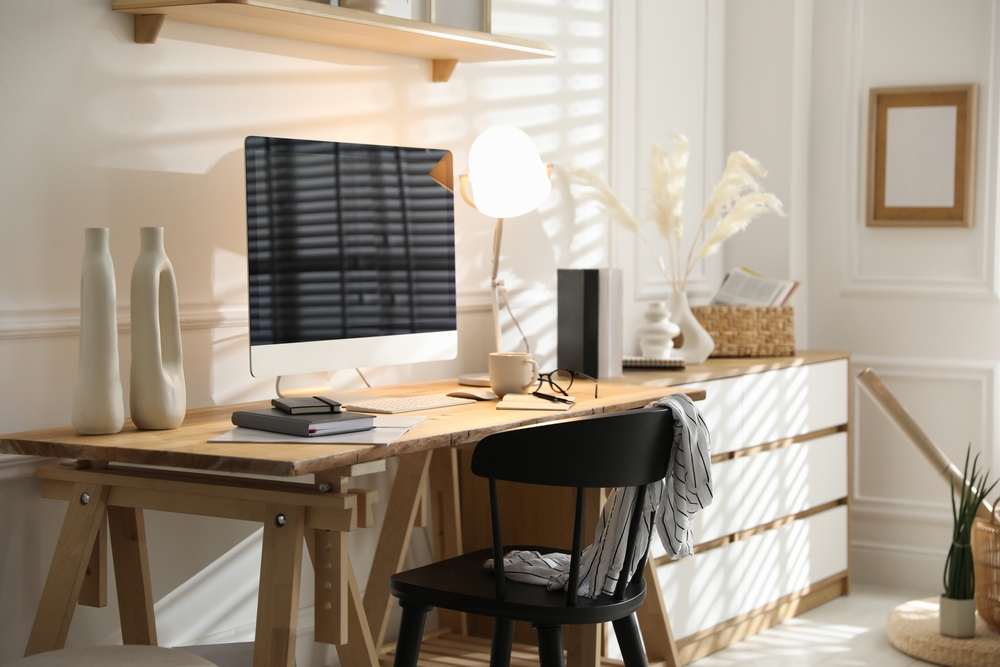
When our homes became our offices, the lines between work and personal life became blurred – and there are no signs of that changing.
Today, over 36 million people work remotely at least part of the time. That’s a lot of homes doing double duty, so it’s critical that you stay on top of your cleaning. If you don’t, you’ll quickly fall behind and leave behind an insurmountable mess that can impact both your work and home life.
Below, we’ll share practical ways to keep your home office clean and organized. A tidy office, just like a tidy home, can improve your mood and increase your productivity when working from home. For help keeping your home clean, consider reaching out to a professional cleaner.
Focus Areas for Cleaning Your Home Office
For many living in New York City, their home office can be their kitchen table, a desk in the corner of their bedroom, or a separate room. Regardless of the area you set up your home office, it requires attention to keep it clean.
Below are five areas you can focus on to keep your home office cleaning feel manageable.
Managing Desk Clutter
It’s tempting to have pictures of your family, stacks of paper, and cups of writing utensils on your desk. While it’s nice to have them within reach, ask yourself how much value they really bring.
Chances are, they don’t. Cluttered desks can actually increase stress and anxiety, hinder creativity, and make you more easily distractible. It can also make it harder to clean the surface if you spill something or simply want to tidy up.
To help you clean your cluttered desk, consider the following.
- Remove everything from the surface but the basics. For many, that includes a computer, screen, mouse, and keyboard.
- Take stock of what’s left. If you have loose items like pens, chapstick, or money, either put them away or place everything in a box for easy keeping.
- Keep a workbag nearby. Stash your notebook or writing utensils in your bag. They are within reach, but off the surface. It will also save you time the next time you have to pack your bag to go to the office.
- Digitize what you can. Put your family picture as your desktop background or scan your papers. Use your computer to keep your clutter down.
Make it a habit to clean your desk off at the end of every day. Throw away empty cans or return dishes to the sink. Don’t let anything sit on the surface overnight.
Dusting Electronics
Dust is like glitter. Once it is in your home, it’s almost impossible to get rid of. Yet, during our regular dusting, it’s easy to forget our electronics. TVs and gaming systems may be front and center, but you also need to dust the surface of your computer screen, laptop, or monitors.
Don’t forget the back and bottom of the monitors. Be sure to dust using a microfiber cloth to help attract the dust. You will capture it rather than simply moving it around.
After you’ve dusted your electronics, don’t forget to wipe down your desk surface. You’ve likely knocked down some debris you didn’t know existed. A small vacuum can also capture all.
Cleaning Keyboards and Screens
Dust, debris, and even crumbs can quickly build up between the keys, reducing the speed at which you can type. Compressed air can help you remove dust from your keyboard or mouse.
Be sure to hold your keyboard at an angle so the debris falls out of the keyboard rather than moving around inside. You can also turn it over and shake out anything that is loose.
If you have any caked-on messes on your keyboard or screens, use an electronic-safe cleaning solution or wipe. Do not soak the items, as it could cause damage to the electronic components.
Get in the habit of cleaning your screen regularly. You may not notice how dirty it is until you have to show someone something on your screen.

Organizing Paperwork
Many people print paper or stash important documents away for later. Unfortunately, later never comes, and you’re left with a stack of paper that is often no longer relevant.
- Sort your documents: Organize them in a way that’s meaningful based on the information, including by topic, date, individual, etc.
- Throw away out-of-date information: If you’re worried, scan it so you have an electronic copy if you don’t have one already. Often, by the time we’ve printed something, it is already outdated.
- Create a home for your documents: Place them in a folder in a drawer or purchase a filing cabinet. Make sure that the documents you need to keep are organized and out of sight. They should not live on your desk.
You may also opt to keep your documentation at your physical office rather than your home office to save space.
Preventing Food Or Coffee Messes
When your home is your office, it’s very common to eat at your desk. If you’re distracted, you can easily knock over a coffee cup or leave crumbs on the keyboard.
- Keep drinks out of the danger zone. Make sure they are above where your mouse is or outside of direct reach. That way, you are more intentional when you grab it and prevent spills.
- Don’t leave dishes. If you eat lunch at your desk, take your plate to the sink or throw away the empty bags. This will prevent crumbs from getting on your desk.
- Keep the surface clean. The fewer things you have on your desk, the easier it will be to clean it off. Spills happen, so the fewer things that can get wet, the better.
You can keep paper towels or a trash can nearby to make it easier to clean up messes. Just make sure that you take it out regularly so a different type of mess doesn’t start building up. Food waste can attract pests, so it’s best to be on your guard and clean up messes right after they happen.
Benefits of Keeping Your Home Office Clean
A clean home and office have long-reaching benefits. Not only does your home look better, but it can also impact your psychological well-being.
- Improved mental health. A clean home office can improve your mood, reduce stress, and help you feel more in control of your work and life.
- Enhanced focus. You’re not easily distracted by things you’ve left lying around, allowing you to focus on the task at hand rather than half-finish 10 tasks.
- Improved comfort. Clean workspaces are more comfortable. You don’t have to worry about accidentally knocking off items from your desk or panic cleaning the next time you have to be on camera.
- Easier maintenance. Tidy up during meetings or put everything away at the end of the day. Regular attention to your home office’s cleanliness makes it easier to keep up with.
Pair regular cleaning with an occasional deeper clean, and your home office will help you feel more productive and ready to take on the workday, even though you’re at home.
Contact White Glove Cleaners
It can be challenging to balance work and personal life, even when you work from home in New York City. White Glove Cleaner is here to help when you’re ready.
Our team of experienced professionals can help with regular maintenance cleans, deep cleaning, green cleaning, and more. We don’t just tackle your home office. We will keep your entire home looking fresh and presentable.
Reach out to us for your home cleaning service needs and experience why White Glove Cleaner is one of the top cleaning services in NYC.
Frequently Asked Questions
What Are the Benefits of Keeping a Home Office Clean?
You can experience less stress, increased productivity, and improved creativity. It also helps reduce clutter and the time it takes to clean your home.
What Should I Use to Clean My Electronics?
Clean electronics using a microfiber cloth. You can also use an electronics safe cleaning solution sparingly. Spray on a cloth and gently scrub to prevent damage.
Can a Cleaning Professional Clean My Home Office?
Cleaning professionals can focus on the different areas within your home. While they will not sort through paperwork, they can clean surfaces, dust electronics, and remove any debris from your work area, in addition to cleaning the rest of your home.